Your next big idea starts with a name. Find yours
All articles
KEEP YOUR IDEAS GROWING

Email

Fresh perspectives and practical advice, all in one place.

52 articles in Email

Narrow your search

Keep typing, then choose where to search. Articles can match any checked field.

Search in
Sort by
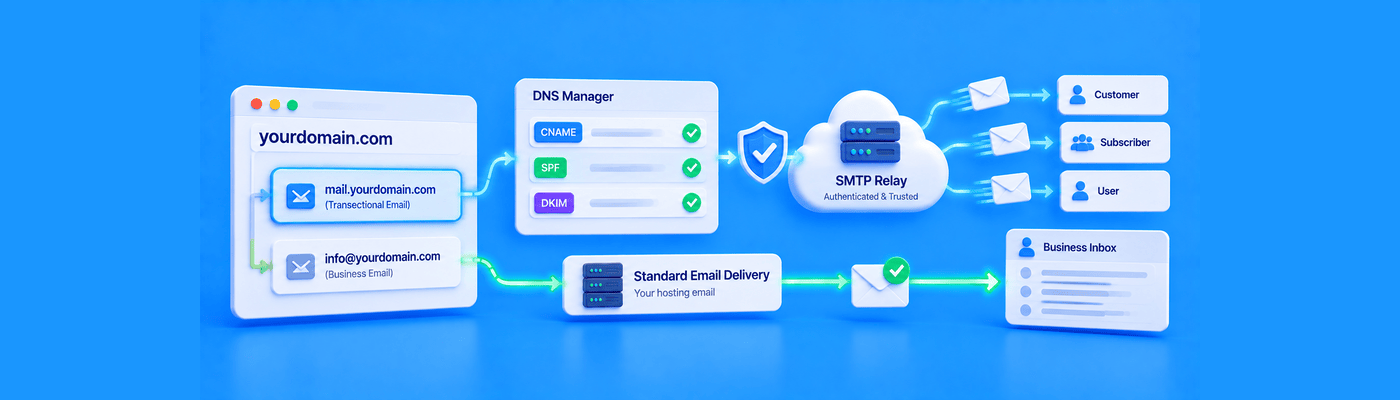
Illustration of authenticating Mailgun or SendGrid with DNS records on a dedicated transactional email subdomain while keeping primary business email separate.
Email

How to Authenticate Third-Party SMTP Services via DNS

Authenticate Mailgun (TXT-based SPF/DKIM, optional MX/CNAME) or SendGrid (CNAME-based, typically 3 records) via NameSilo's DNS Manager. Always use a dedicated subdomain like mg.yourbrand.com, never your root domain, and never replace your existing MX records, which would break normal incoming corporate email.

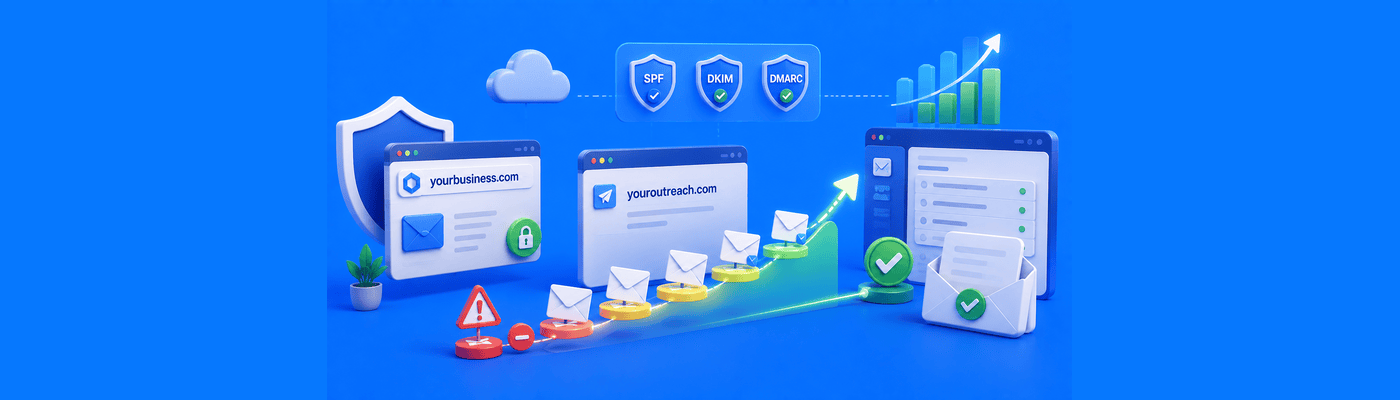
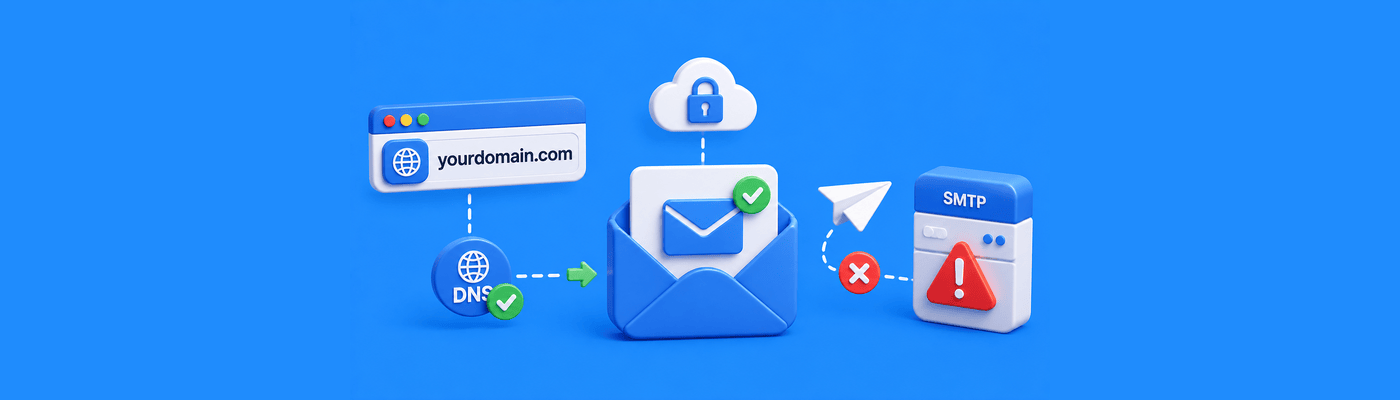
Illustration of a 550 5.1.1 User Unknown email error causing a hard bounce because the recipient mailbox does not exist.
Email

How to Fix Email Bounce Error "550 5.1.1 User Unknown"

A 550 5.1.1 error means the recipient mailbox doesn't exist, a permanent hard bounce, not a sender-side problem. Common causes: typos or a deleted account after an employee leaves. Remove the address from your list immediately after the first bounce to protect your domain's sending reputation.

Illustration of warming up a new domain for cold email outreach by gradually increasing email volume, using SPF, DKIM, and DMARC authentication, building sender reputation, improving inbox deliverability, and keeping outreach separate from the primary business domain.
Email

How to Warm Up a New Domain for Cold Email Outreach

Warm up a new cold email domain over 4-8 weeks: start at 5-10 emails/day, scale to 40-50+ by week 6-8. Never send cold outreach from your primary corporate domain. Configure SPF, DKIM, and DMARC before day one. Favor vetted warmup tools over open shared engagement pools.

Modern illustration comparing a free Gmail address with a professional custom domain business email, showing branding, secure email authentication, DMARC, SPF, administrator controls, business ownership, spam protection, and trusted business communication.
Email

Why You Shouldn't Use a Free Gmail Address for Business

Free Gmail addresses damage business credibility, limit DMARC alignment for deliverability, and create a data ownership risk: the company has no legal access to an employee's personal inbox. Free email forwarding solves receiving but not sending. Custom business email costs little and solves all three problems.

Modern SaaS illustration showing an Out of Office email autoresponder setup with vacation reply settings, automatic email responses, business email server automation, and professional email management.
Email

How to Set Up an Out of Office Email Autoresponder

Set server-side autoresponders in Titan Mail (Gear → Preferences → Vacation Responder) or Google Workspace (Settings → General → Vacation responder). Always set reply frequency per sender to prevent inbox floods. Client-side Outlook rules stop when your PC turns off.

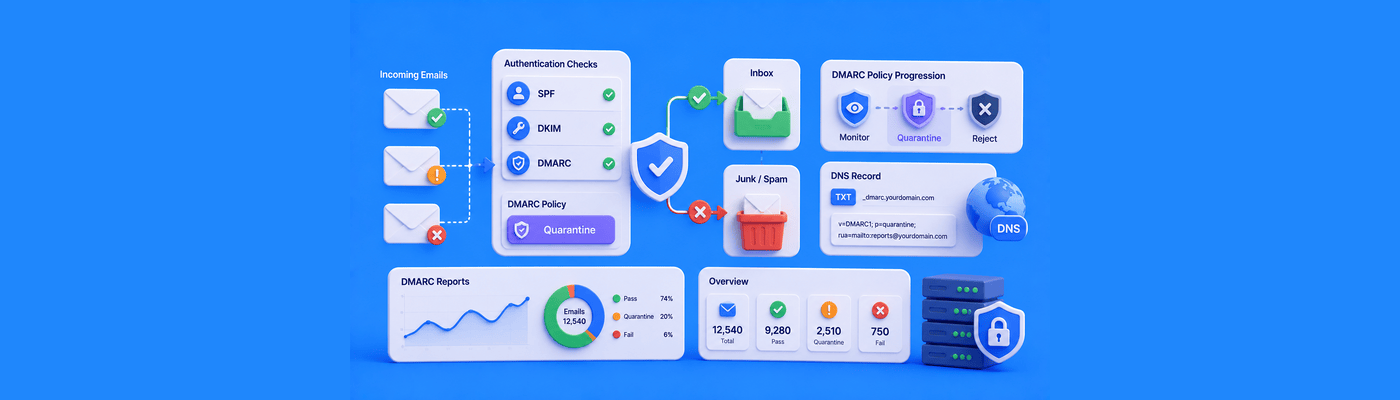
Modern SaaS illustration showing a DMARC quarantine policy routing failed email authentication messages to spam folders using SPF, DKIM, DMARC checks, and email security controls.
Email

What Does a DMARC Quarantine Policy Do

DMARC p=quarantine routes failing messages to spam instead of blocking them. Use it as a 30-90 day testing phase after p=none. Start with pct=10, monitor rua reports, fix legitimate failures, then advance to p=reject. Add TXT record at _dmarc with rua tag.

Modern SaaS illustration showing Outlook email deliverability issues, Microsoft sender reputation checks, SNDS monitoring, SPF DKIM DMARC authentication, and emails being routed to the inbox or junk folder.
Email

Why Are My Emails Going to the Outlook Junk Folder

Emails land in Outlook junk due to IP reputation, not just DNS records. Shared hosting IPs carry neighborhood spam history. Register at Microsoft SNDS to monitor your IP. Submit a mitigation request at sender.office.com if blocked. SPF, DKIM, and DMARC all required.

Modern SaaS illustration showing creation of a professional custom email signature with company branding, hosted logo images, HTML email design, and business contact details for custom domain email.
Email

How to Create a Custom Email Signature for Your Domain

Create professional email signatures using your email client's editor or an HTML generator. Host logos via URL, never embed images locally or they appear as attachments. Include name, title, phone, and one CTA. Titan Mail offers a built-in Signature Designer with templates.

Modern SaaS illustration showing hard bounce and soft bounce email delivery failures with invalid addresses, full inbox warnings, and SPF DKIM DMARC email authentication protection.
Email

Why Do My Emails Keep Bouncing Back? (Hard vs Soft Bounces)

Emails bounce due to hard bounces (invalid address, permanent) or soft bounces (full inbox, temporary). Read the NDR error message for the exact cause. Configure SPF, DKIM, and DMARC to prevent authentication rejections. Never retry hard bounces, it damages sender reputation.

Modern SaaS illustration showing DKIM email authentication setup with DNS TXT records, cryptographic email signing, and secure email deliverability verification through DNS management.
Email

How to Generate and Add a DKIM Record to Your DNS

DKIM records are generated by your email provider (Google Workspace, Microsoft 365, Titan Mail), not your registrar. Copy the public key and selector from your email dashboard, add it as a TXT record in DNS. DKIM proves emails weren't tampered with and improves deliverability.

FROM IDEA TO REALITY

You’ve got the idea.
Give it a name.

Find a domain that feels like you. Build what comes next.