
Privacy & Security
Understanding the ICANN WHOIS Data Reminder Policy (WDRP)
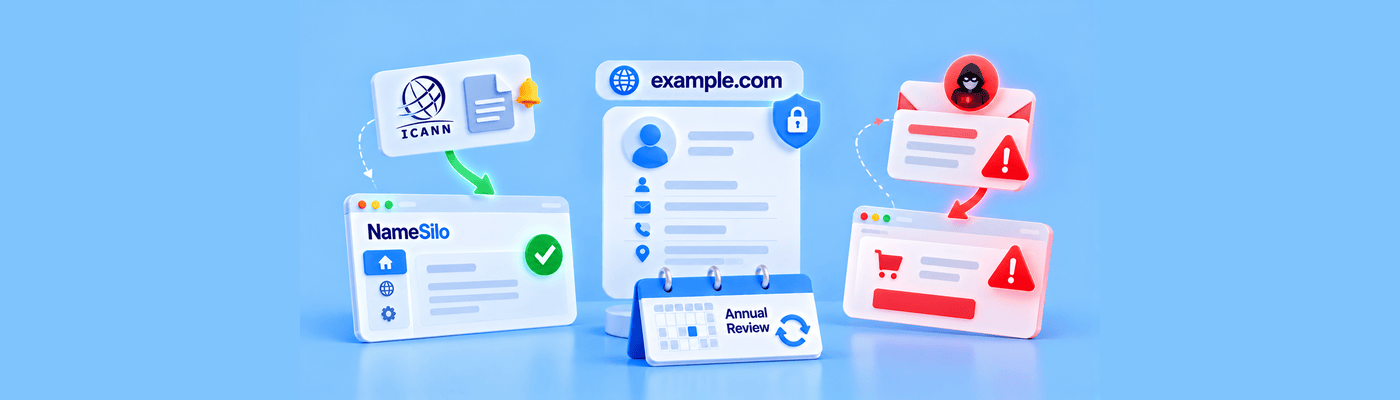
Learn what a WDRP notice is, why ICANN requires annual contact reminders, when action is needed, and how to spot fake renewal emails.
Fresh perspectives and practical advice, all in one place.
Learn what a WDRP notice is, why ICANN requires annual contact reminders, when action is needed, and how to spot fake renewal emails.

Learn why newly registered domains attract spam calls and emails, how scammers discover fresh registrations, and how WHOIS privacy helps reduce exposure.

Learn how agencies can handle domain registrations for EU clients, protect registrant data with WHOIS privacy, and avoid common ownership mistakes.

DMARC p=none is a monitoring-only mode: failed mail still delivers, and aggregate reports are collected instead. It provides zero protection against spoofing on its own. Best practice is a minimum 90-day monitoring period before advancing to p=quarantine. Never leave DMARC on p=none permanently.
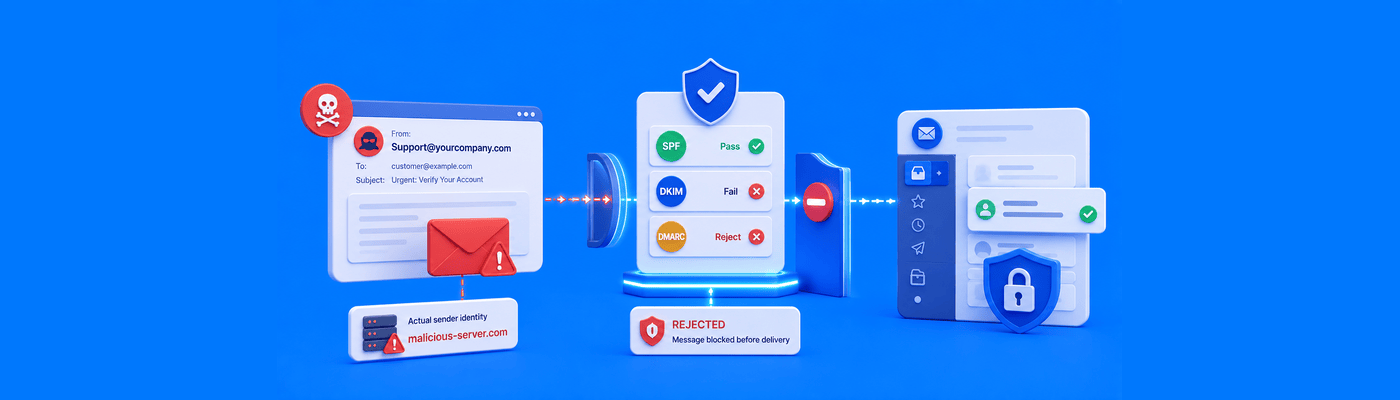
Email spoofing forges the visible "From" letterhead while SPF only checks the hidden envelope address, which is why SPF alone can't stop it. DMARC at p=reject closes this gap by requiring alignment between the two. BEC caused $3.05 billion in losses in 2025 per FBI IC3. Catch-all addresses increase spoofing-related risk.
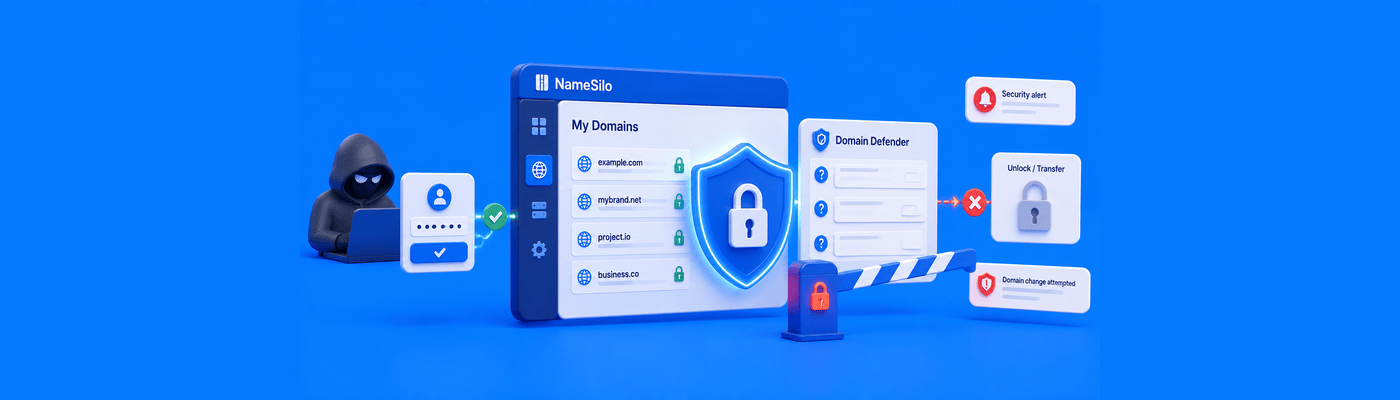
NameSilo Domain Defender is a free security layer requiring up to 5 custom security questions before any domain-level change executes. Unlike 2FA, which secures login, Domain Defender secures the actions that happen after login, including transfers, unlocking, and WHOIS edits. Pair both for maximum protection.
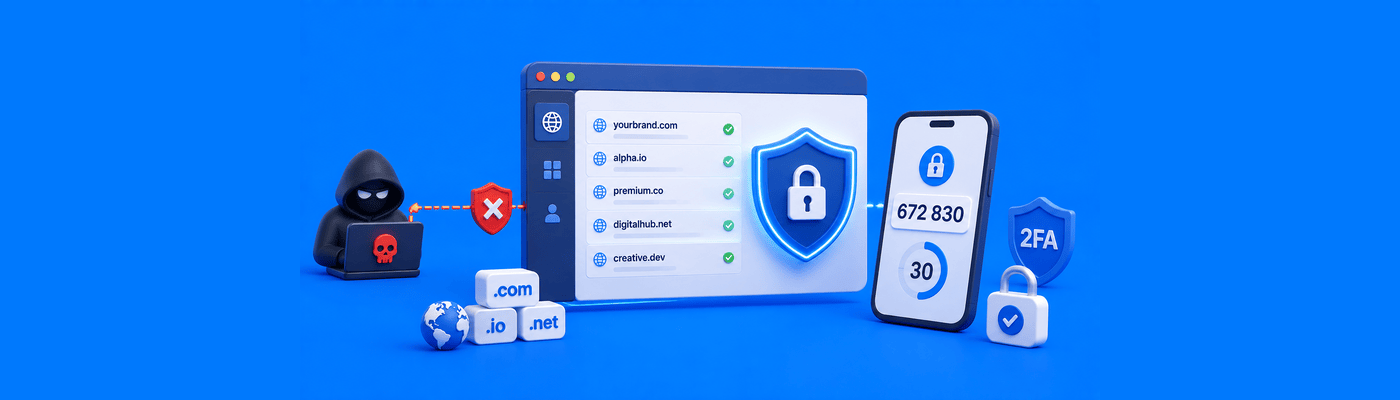
Enable app-based TOTP 2FA to protect your domain portfolio; never use SMS, which is vulnerable to SIM-swapping, the primary method used in high-value domain theft. NameSilo offers free, app-only 2FA and recommends Authy for its secure backup. Pair with Domain Defender for domain-level change protection.

WHOIS contact roles: Registrant (legal owner), Administrative (business decisions), Technical (DNS/webmaster), and Billing. Agencies should only ever hold Admin or Tech, never Registrant, to avoid legal liability and protect client ownership. NameSilo opts customers out of the standard 60-day registrant-change lock by default.

Fake WHOIS data violates ICANN's Accuracy Program Specification and can trigger clientHold, taking your site and email offline. Registrant emails must be verified within 15 days. Skip the risk entirely with free WHOIS privacy, which protects your details without falsifying them.

Prevent domain squatting with defensive registrations across extensions and misspellings. 20 domains at $9/year costs $180; one UDRP costs $1,500-$5,000. Enroll in ICANN Trademark Clearinghouse for early alerts. Redirect all variants to the primary domain.

Protect domains from employee theft using sub-accounts with restricted permissions. Never share master credentials. Ensure WHOIS registrant is your company, not an individual. Enable 2FA, keep transfer lock enabled, and revoke access immediately when employees leave.

Report phishing to the registrar for domain suspension and web host for content removal. For copyright, file DMCA with the host. Use WHOIS to find abuse contacts. Submit via official forms, not live chat, to ensure proper documentation. Trademark disputes require UDRP filing.