Is Your Website Ready for Holiday Traffic? A Shared Hosting Checklist

To prepare a small website for holiday traffic, check your cPanel resource usage for recent limit hits, turn on page caching, compress images, and test checkout under load. If your site regularly reaches its CPU, memory or entry-process limits, move to a higher NameSilo hosting plan before the peak, not during it.
What Are Shared Hosting Resource Limits?
On shared hosting, many sites share one server, so each account has caps on what it can use at once:
CPU: processing power.
Memory: RAM your scripts can use at the same time.
Entry processes: requests being served at once.
I/O: how fast your site reads and writes disk data.
When a limit is reached, visitors may see slow pages or temporary errors. If entry processes stay maxed, they can see a 508 page instead of your site.
Read Your Resource Usage First
In cPanel, open Metrics, then Resource Usage. It shows CPU Usage, Entry Processes, Physical Memory, I/O and Processes. Check the graphs for recent limit hits, and ask what changed before each spike, such as a plugin update, a backup or a bot. Our guide to interpreting the Resource Usage dashboard explains each graph.
Quick Wins Before the Rush
Start with the changes that cost the least effort:
Action | Effort | Impact |
Turn on page caching | Low | High |
Compress images | Low | Medium |
Remove unused plugins | Low | Medium |
Update PHP to a supported version | Medium | Medium |
Pause heavy scheduled tasks during peak hours | Low | Medium |
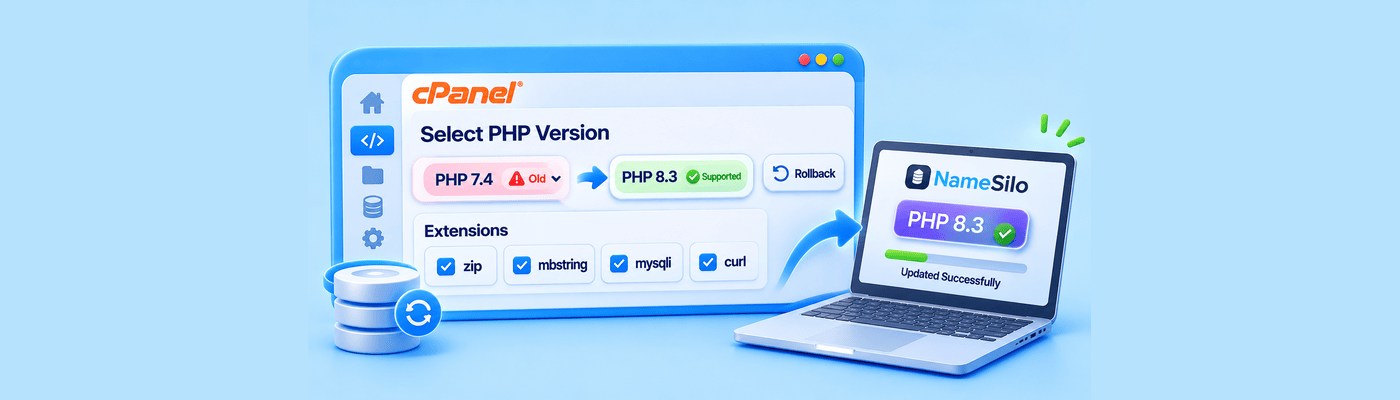
Back up before changing PHP, and follow our guide to managing PHP versions and extensions in cPanel.
When to Upgrade Your Plan
At the time of writing, NameSilo's shared plans compare like this. Our guide to Starter vs. Premium vs. Turbo adds detail.
Starter | Premium | Turbo | |
Price per month | $6.99 | $8.99 | $12.99 |
Websites | 1 | 3 | 10 |
CPU cores | 2 | 4 | 6 |
Memory | 4 GB | 4 GB | 4 GB (8 GB virtual) |
Entry processes | 30 | 50 | 50 |
I/O | 2 MB/s | 6 MB/s | 30 MB/s |
Monthly bandwidth | 100 GB | 300 GB | 1,000 GB |
Use your limit-hit frequency to decide:
No limit hits: stay put and apply the quick wins.
Hits only at peaks: fix caching and block abusive bots first, then upgrade before the sale if they continue.
Regular hits at normal traffic: upgrade now, because the site has outgrown its plan.
Premium and Turbo share the same 50 entry-process limit. If that is your bottleneck, Starter to Premium is the bigger step. See the NameSilo hosting page for current plans.
Don't Forget DNS and SSL
Confirm SSL is valid and covers both www and the bare domain. Premium and Turbo list free SSL.
Avoid nameserver changes during sale week.
Lower TTLs a few days ahead if you plan a move, so changes take effect sooner.
What This Means for You
Check Resource Usage this week, finish the quick wins, and upgrade before the peak if you keep hitting limits. A calm sale week starts with a few small checks now.
Frequently Asked Questions
How do I prepare my website for Black Friday traffic? Check Resource Usage, turn on caching, compress images, remove unused plugins and test checkout.
What happens when a shared hosting site hits its resource limits? Pages slow down or visitors see temporary errors, including a 508 page if entry processes stay maxed.
How do I check resource usage in cPanel? Open Metrics, then Resource Usage.
What is an entry process limit? The number of requests your account can serve at once. It is 30 on Starter and 50 on Premium and Turbo.
Does caching help with traffic spikes? Yes. Cached pages need fewer scripts and database queries, which lowers CPU and memory use.
When should I upgrade my hosting plan? When Resource Usage shows regular limit hits at normal traffic, ideally before the peak.
Which NameSilo hosting plan is best for a small store? Premium is a sensible start. Turbo suits higher traffic and online businesses.
Should I change DNS before a big sale? Avoid nameserver changes in sale week. If you must move, lower TTLs a few days ahead.
NameSilo Staff
The NameSilo staff of writers worked together on this post. It was a combination of efforts from our passionate writers that produce content to educate and provide insights for all our readers.