
Why You Need to Upgrade Your Website's PHP Version
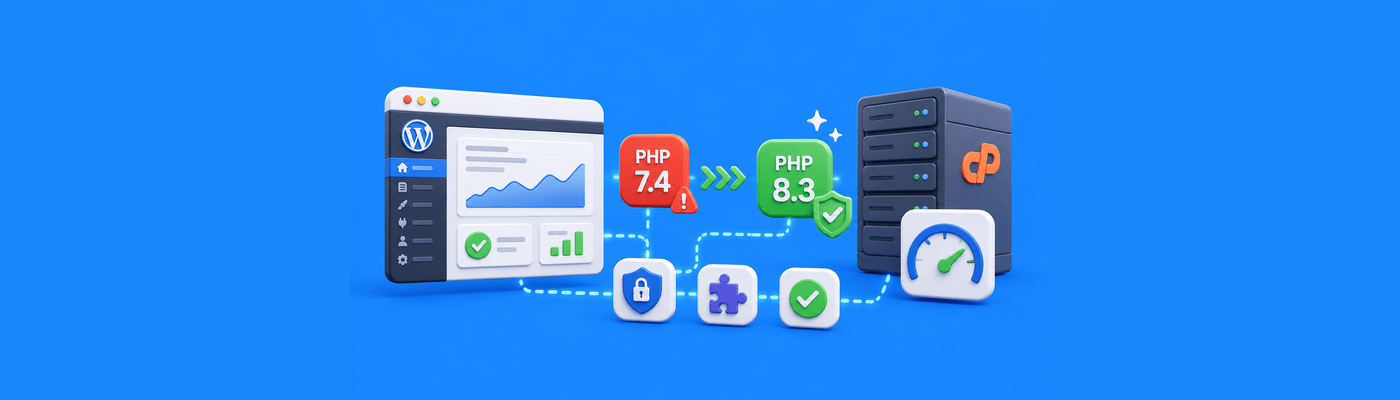
PHP is the underlying programming language that powers dynamic websites like WordPress. You must upgrade your website's PHP version to ensure maximum security, as older versions no longer receive security patches against hackers. Furthermore, updating to the latest PHP version drastically improves website loading speeds and ensures compatibility with modern plugins.
What Is PHP and End of Life?
PHP processes your website's code on the server before sending pages to visitors:
PHP Version | Status | Security Support |
PHP 7.4 | End of Life | No patches since Nov 2022 |
PHP 8.0 | End of Life | No patches since Nov 2023 |
PHP 8.1 | Security only | Patches until Dec 2025 |
PHP 8.2 | Active | Full support |
PHP 8.3 | Active | Full support (recommended) |
End of Life (EOL): When a PHP version reaches EOL, it receives zero security updates. Known vulnerabilities remain unpatched forever.
The warning in WordPress: When you see "Your site is running an insecure version of PHP," WordPress is telling you hackers have documented exploits for your version.
Why It Matters: Speed and Security
Security impact:
- EOL PHP has known, published vulnerabilities
- Hackers actively scan for outdated PHP sites
- No patches will ever come
Performance impact:
- PHP 8.x is up to 3x faster than PHP 7.x
- Faster loads improve SEO rankings
Plugin compatibility:
- Modern plugins require PHP 8.0+
- Some stop working on old versions
Running outdated PHP is like leaving your front door unlocked with a sign announcing it.
Decision Framework: Update Now or Test First?
Situation | Approach |
Simple blog, updated plugins | Update immediately |
E-commerce store | Test on staging first |
Custom theme/plugins | Check compatibility, then update |
Site already broken | Fix issues first, then update |
Good news: PHP changes are reversible. If your site breaks after updating, you can switch back to the old version instantly in cPanel. This isn't permanent, you can safely experiment.
When to wait: If you're running plugins that haven't been updated in years, check their compatibility first. Abandoned plugins often break on new PHP.
Implementation Steps: Safe PHP Upgrade
Step 1: Full Backup Backup your entire site (files + database) before any changes.
Step 2: Update WordPress Core Ensure you're running the latest WordPress version.
Step 3: Update All Plugins and Themes Outdated plugins are the #1 cause of PHP upgrade failures.
Step 4: Check Plugin Compatibility Visit each plugin's WordPress.org page. Look for "Tested up to" PHP version.
Step 5: Open MultiPHP Manager In cPanel, find "MultiPHP Manager" under Software.
Step 6: Select New PHP Version Choose PHP 8.2 or 8.3. Apply to your domain.
Step 7: Test Your Site Browse key pages: homepage, checkout, contact forms. Check for errors.
Step 8: If Problems Occur Return to MultiPHP Manager and switch back to your previous version. Site restored instantly.
Common Mistakes
Updating PHP before WordPress/plugins: Old plugin code often breaks on new PHP. Update everything else first.
Skipping backups: If something breaks and you can't revert, you need that backup.
Ignoring the white screen: A blank page means fatal error. Revert PHP version and investigate.
Waiting too long: Every month on EOL PHP exposes you to documented exploits.
What This Means for You
NameSilo Hosting includes cPanel with MultiPHP Manager, letting you toggle PHP versions instantly. If an update causes issues, reverting takes seconds.
Update your plugins, change your PHP version, and test. Your site will be faster and safer.
Frequently Asked Questions
What is PHP on a website?
Server-side language generating dynamic pages.
Will updating PHP break my website?
Possibly if plugins are outdated. You can revert instantly.
How do I change my PHP version?
cPanel → MultiPHP Manager → Select version → Apply.
What is the latest PHP version?
PHP 8.5 is the latest stable version. PHP 8.4 is also widely supported for WordPress websites.
Why is WordPress telling me to update PHP?
Your version has known vulnerabilities.
How do I check plugin compatibility?
Check plugin pages on WordPress.org.
What happens if I don't update PHP?
Security vulnerabilities, slower performance.
Does NameSilo support the latest PHP?
Yes. MultiPHP Manager offers current versions.
NameSilo Staff
Practical insights to help you build and grow your place online.