

Websites & Hosting
Why Did My WordPress Website Crash After an Update?
Learn why WordPress websites crash after updates, including plugin conflicts, PHP mismatches, caching issues, and hosting limitations.
Fresh perspectives and practical advice, all in one place.
Learn why WordPress websites crash after updates, including plugin conflicts, PHP mismatches, caching issues, and hosting limitations.

Learn why websites enter redirect loops, including HTTPS conflicts, Cloudflare settings, WordPress URL mismatches, and caching problems.

Learn why your website works for you but not others, including DNS propagation, caching, CDN issues, SSL problems, and regional routing errors.
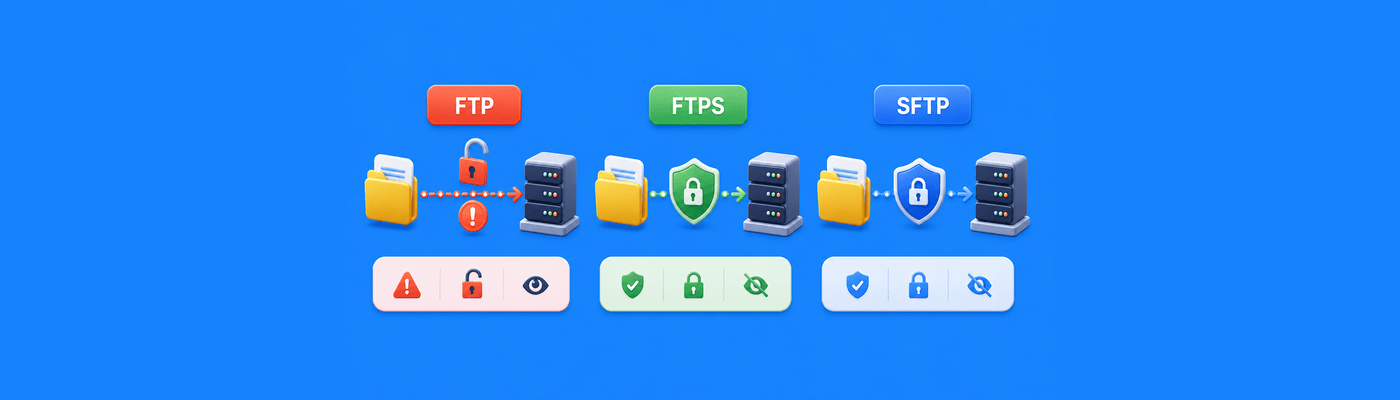
Learn the differences between FTP, FTPS, and SFTP, including security, encryption, and which file transfer protocol is safest.

Point your domain to GitHub Pages by creating four A records (185.199.108.153, 185.199.109.153, 185.199.110.153, 185.199.111.153) and a CNAME for www pointing to username.github.io. Enable HTTPS in GitHub settings after DNS propagates. Free professional hosting for developers.

WordPress database connection errors usually mean wp-config.php credentials don't match your hosting panel. Verify DB_NAME, DB_USER, DB_PASSWORD, and DB_HOST. Edit with plain-text editors only. If credentials are correct, check if database server is overloaded or run WordPress repair.

Website slow despite good hosting? Learn the real causes and how to fix DNS, caching, and performance issues step by step.

Installed SSL but your site still says not secure? Learn the real causes and how to fix HTTPS, redirects, and mixed content.

Website showing a blank page? Learn the real causes and how to fix server, script, and configuration issues step by step.

Learn why your domain still works when your hosting is down, how to diagnose the issue, and how to reduce downtime with smarter setups.

Website down after a server crash? Learn how to diagnose, recover, and prevent downtime step by step.

Confused about domain, hosting, and server? Learn how each works and what actually controls your website.