
Websites & Hosting
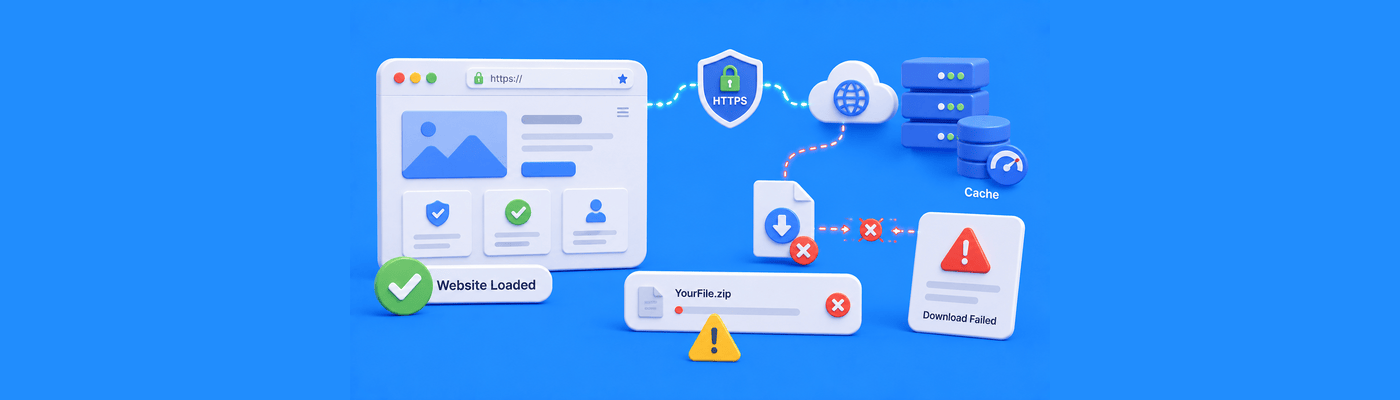
Why Does My Website Work Fine but Downloads Fail?
Learn why website downloads fail even when websites load normally, including HTTPS issues, browser trust systems, CDN behavior, and file delivery problems.
Fresh perspectives and practical advice, all in one place.
Learn why website downloads fail even when websites load normally, including HTTPS issues, browser trust systems, CDN behavior, and file delivery problems.
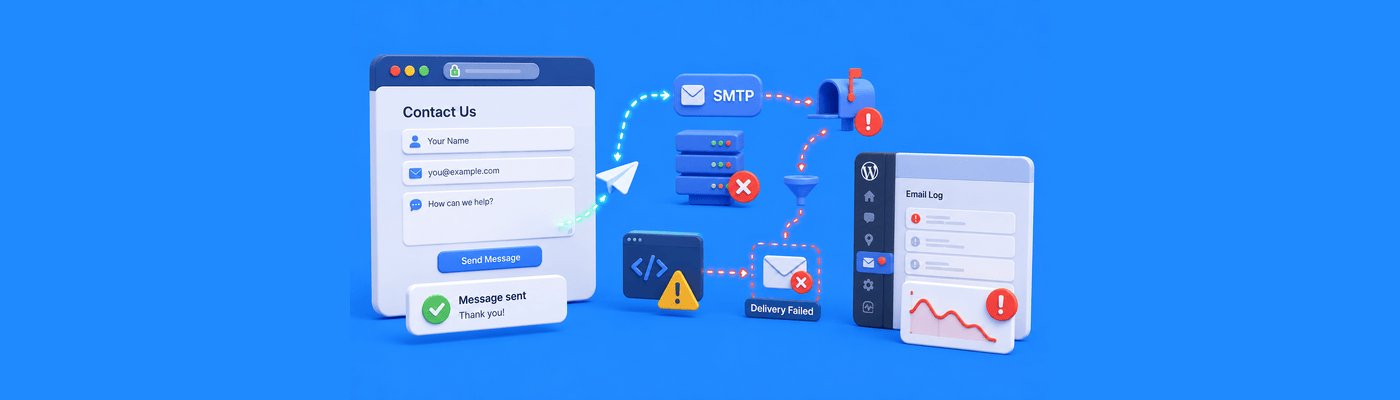
Learn why website contact forms fail even when websites load normally, including SMTP delivery issues, JavaScript failures, spam filtering, and WordPress conflicts.

Learn why websites repeatedly show CAPTCHA or human verification prompts, including Cloudflare settings, VPNs, IP reputation, and browser trust systems.

Learn why websites repeatedly log users out, including cookie conflicts, session instability, CDN caching, WordPress issues, and HTTPS mismatches.

Learn why websites may load slowly only for some visitors, including CDN routing, ISP congestion, DNS differences, and regional latency.

Learn why websites suddenly lose images, including CDN cache issues, broken paths, mixed content errors, and WordPress media conflicts.

Learn why websites sometimes load without CSS, including cache issues, CDN failures, mixed content errors, and broken stylesheet delivery.
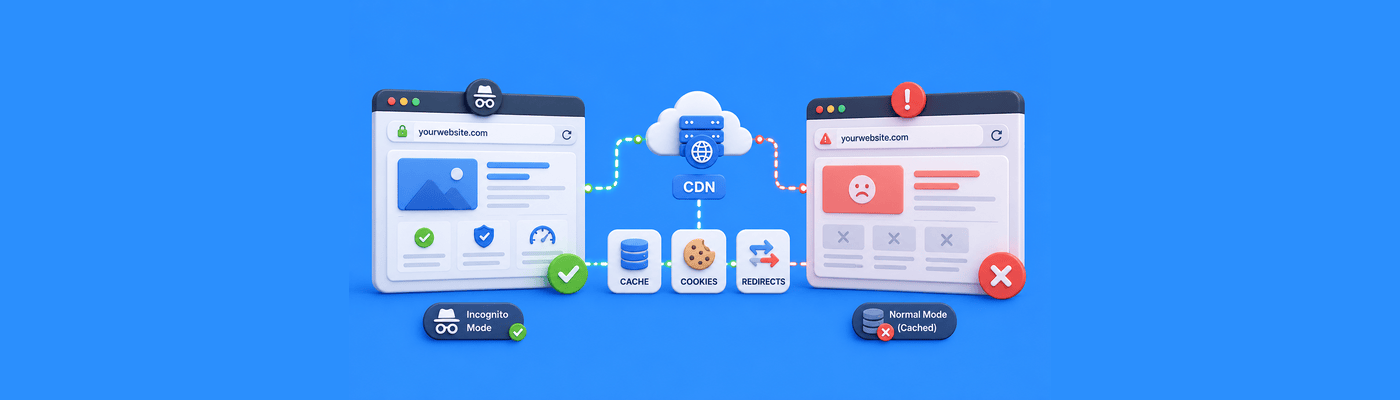
Learn why websites sometimes work in incognito mode but fail normally, including browser cache, cookies, extensions, redirects, and CDN issues.

Mixed content warnings occur when HTTPS pages load HTTP resources. Use Chrome DevTools (F12) to find broken URLs. Check theme headers/footers for hardcoded logo URLs, the #1 cause. Use search-replace to update database URLs. SSL encrypts connections but doesn't rewrite old links.

An inode represents one file or folder. Hosting plans limit inodes separately from storage, you can have GB available but hit file count limits. Clear email trash, cache folders, and old backups to reduce usage. NameSilo plans: Starter 100K, Premium 200K, Turbo 400K inodes.

Learn why websites sometimes show old SSL certificates, including browser cache, CDN caching, DNS routing, and server configuration issues.

Learn why WordPress websites crash after updates, including plugin conflicts, PHP mismatches, caching issues, and hosting limitations.