Your next big idea starts with a name. Find yours
All articles
KEEP YOUR IDEAS GROWING

Websites & Hosting

Fresh perspectives and practical advice, all in one place.

233 articles in Websites & Hosting

Narrow your search

Keep typing, then choose where to search. Articles can match any checked field.

Search in
Sort by
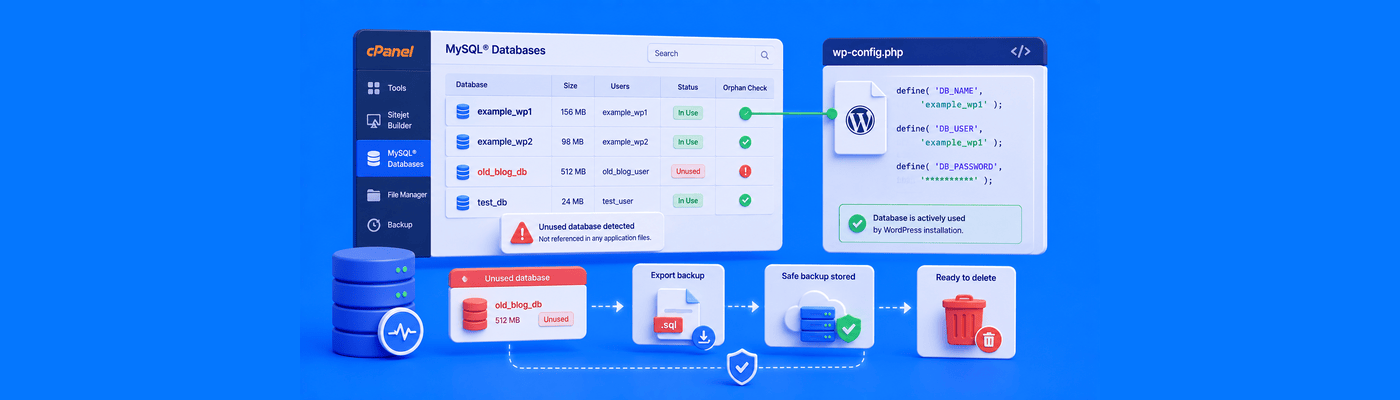
Illustration of auditing unused MySQL databases in cPanel by checking the WordPress DB_NAME, exporting an SQL backup, and safely deleting an obsolete database.
Websites & Hosting

How to Audit and Delete Unused MySQL Databases in cPanel

Before deleting any MySQL database in cPanel, confirm your live site's active database by checking DB_NAME in wp-config.php. Export a .sql backup first, since cPanel deletion is permanent. Also remove orphaned database users, and drop only specific tables if a database is shared across multiple sites.

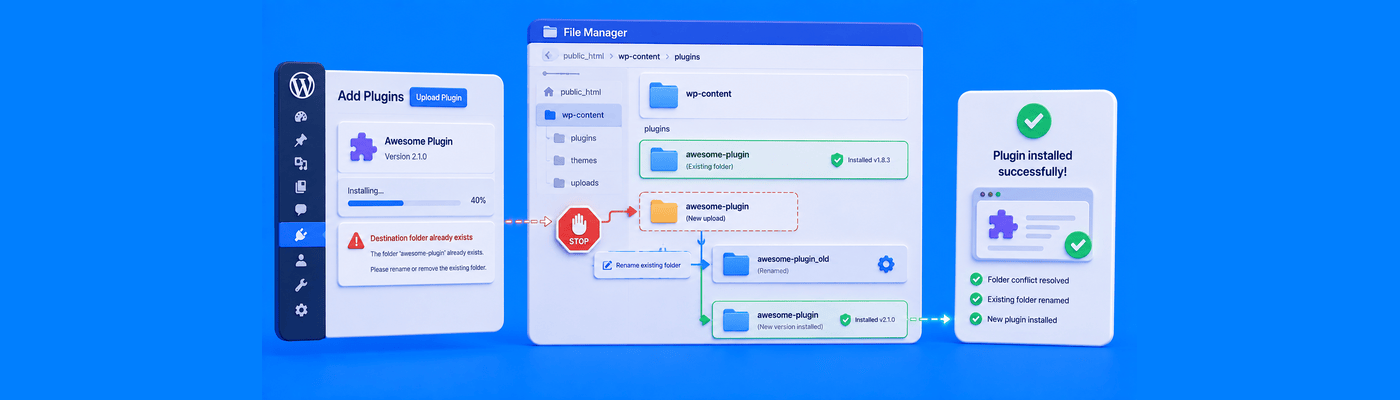
Illustration of fixing the WordPress White Screen of Death by checking PHP error logs, identifying a broken plugin, and renaming its folder in cPanel File Manager.
Websites & Hosting

How to Fix "WordPress White Screen of Death" (WSOD)

Fix WSOD by enabling WP_DEBUG with WP_DEBUG_DISPLAY set to false, so errors log safely to wp-content/debug.log without exposing them to visitors. Identify the broken plugin from the log, then rename its folder in wp-content/plugins/ via cPanel File Manager to instantly restore your site without data loss.

Illustration of fixing the WordPress “Destination Folder Already Exists” error by renaming a conflicting plugin folder in wp-content.
Websites & Hosting

How to Fix "Destination Folder Already Exists" in WordPress

Fix this error by renaming (not deleting) the conflicting folder in wp-content/plugins or wp-content/themes via cPanel File Manager, then retrying the install. Since WordPress 5.5, dashboard zip uploads also offer a one-click "Replace current with uploaded" option to resolve the same conflict automatically.

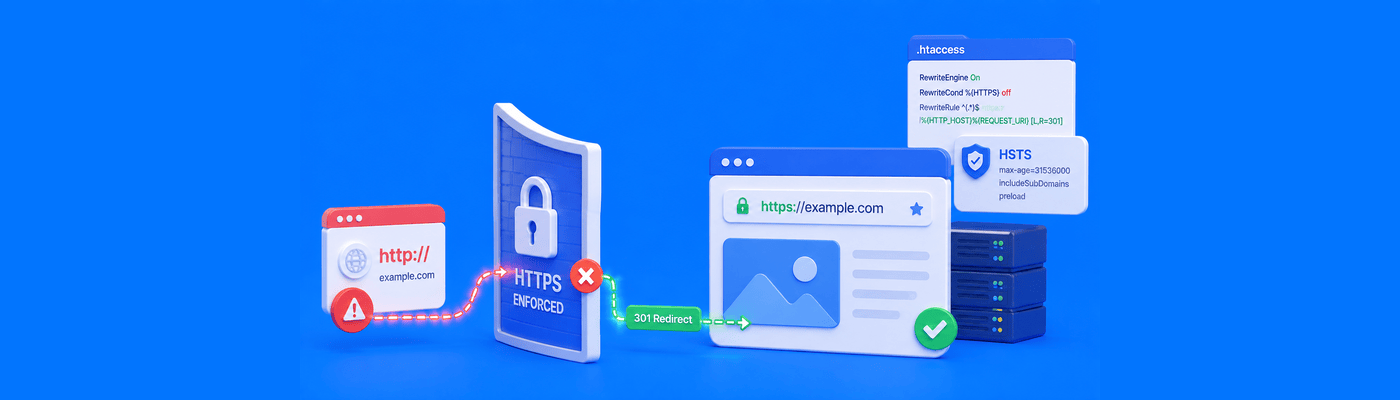
Illustration of HSTS forcing a website to use secure HTTPS connections and blocking insecure HTTP access.
Websites & Hosting

How to Fix the "508 Resource Limit Is Reached" Error

A 508 error means the server's resource isolation system throttled your account after hitting its CPU, memory, or Entry Process limit, not a server crash. Check cPanel Resource Usage to identify which specific limit was hit before making changes. Unlimited bandwidth does not prevent this error; CPU and bandwidth are separate resources.

Illustration of HSTS forcing a website to use secure HTTPS connections and blocking insecure HTTP access.
Websites & Hosting

How to Implement HSTS (HTTP Strict Transport Security)

Add Strict-Transport-Security: max-age=31536000; includeSubDomains; preload to .htaccess to force HTTPS-only connections and close the first-hop vulnerability standard redirects leave open. Warning: a long max-age combined with an expired SSL certificate hard-locks visitors out with no override for up to a year.

Illustration of restoring a MySQL database from an SQL backup using cPanel or phpMyAdmin.
Websites & Hosting

How to Restore a MySQL Database from a cPanel Backup

Restore a MySQL database via cPanel's Backup tool, or manually through phpMyAdmin: select the database, drop existing tables first, then import your .sql file. Skipping the drop step causes a "Table already exists" error. Files over ~50MB need SSH import instead of the browser upload.

Illustration of increasing the PHP maximum file upload size using cPanel MultiPHP INI Editor to allow larger website and WordPress uploads.
Websites & Hosting

How to Change Your Maximum File Upload Size (php.ini)

Increase WordPress upload limits via cPanel's MultiPHP INI Editor: raise upload_max_filesize, then post_max_size to an equal or greater value, then memory_limit to match. Skipping post_max_size is the most common cause of silent upload failures and the "link you followed has expired" error.

Illustration of generating an SSL Certificate Signing Request in cPanel, with the CSR sent to a Certificate Authority while the matching private key remains secured on the web server.
Websites & Hosting

How to Generate a CSR (Certificate Signing Request)

Generate a CSR in cPanel: Security → SSL/TLS → Private Keys (2048-bit) → Certificate Signing Requests → fill in domain, company, and location fields. Copy the full BEGIN/END CERTIFICATE REQUEST block. Back up the private key immediately; losing it makes the issued certificate unusable.

Illustration of cPanel IP Blocker stopping a malicious IP address from reaching a website while allowing legitimate visitor traffic through.
Websites & Hosting

How to Block Malicious IP Addresses Using cPanel

Block malicious IPs via cPanel Security → IP Blocker, which writes Deny rules directly into .htaccess. Accepts single IPs, ranges, and CIDR blocks. Applies globally across all domains on the account. Always verify your own IP first to avoid locking yourself out.

FROM IDEA TO REALITY

You’ve got the idea.
Give it a name.

Find a domain that feels like you. Build what comes next.