

Websites & Hosting
Why Did My WordPress Website Crash After an Update?
Learn why WordPress websites crash after updates, including plugin conflicts, PHP mismatches, caching issues, and hosting limitations.
A little insight goes a long way. Find your next good read.
Learn why WordPress websites crash after updates, including plugin conflicts, PHP mismatches, caching issues, and hosting limitations.

Learn why websites enter redirect loops, including HTTPS conflicts, Cloudflare settings, WordPress URL mismatches, and caching problems.

Learn why your website works for you but not others, including DNS propagation, caching, CDN issues, SSL problems, and regional routing errors.
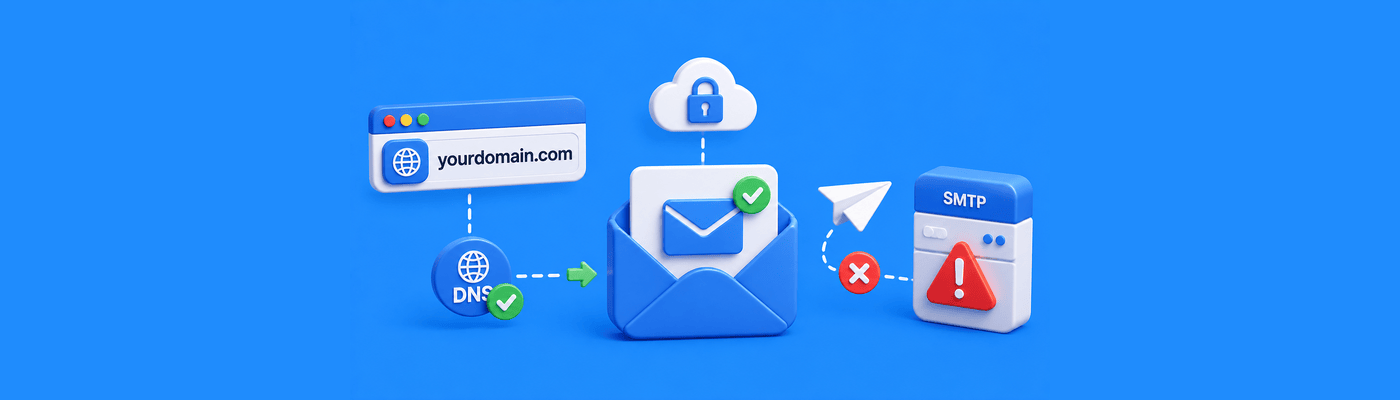
Learn why you can receive emails but cannot send them, including SMTP issues, DNS problems, authentication failures, and email provider restrictions.

Learn what happens when you lose access to your domain email address, how recovery works, and how to prevent email disruptions.

Learn whether you can own a domain without hosting, how domains work independently, and why many people register domains before building websites.
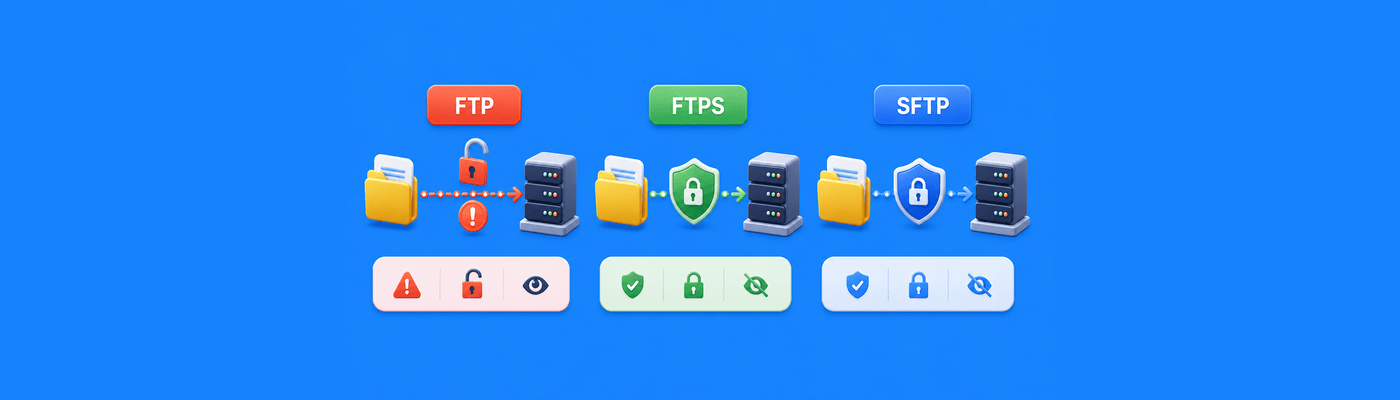
Learn the differences between FTP, FTPS, and SFTP, including security, encryption, and which file transfer protocol is safest.
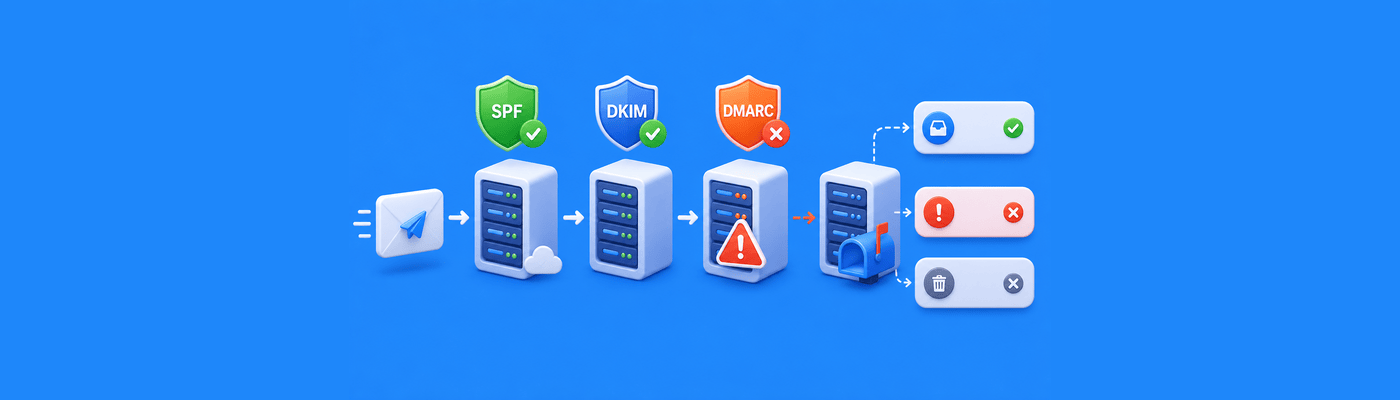
Learn why forwarded emails fail DMARC checks, how SPF and DKIM break during forwarding, and how to fix email delivery issues.

Point your domain to GitHub Pages by creating four A records (185.199.108.153, 185.199.109.153, 185.199.110.153, 185.199.111.153) and a CNAME for www pointing to username.github.io. Enable HTTPS in GitHub settings after DNS propagates. Free professional hosting for developers.
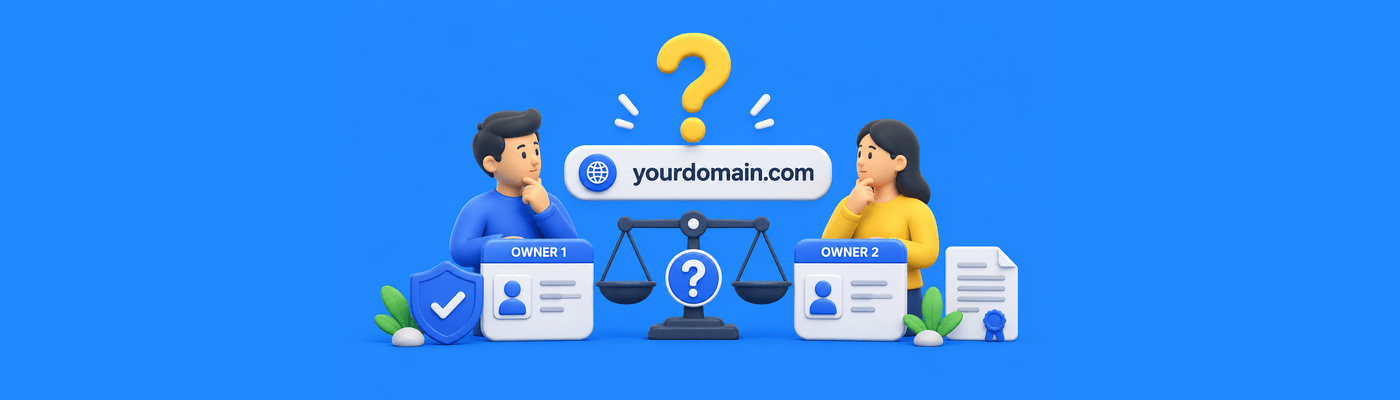
Only one entity can be the WHOIS Registrant, the legal owner with full control. For true co-ownership, register the domain under an LLC both partners have equity in. The person named in WHOIS can sell, transfer, or delete the domain regardless of who paid.

Report phishing to the registrar for domain suspension and web host for content removal. For copyright, file DMCA with the host. Use WHOIS to find abuse contacts. Submit via official forms, not live chat, to ensure proper documentation. Trademark disputes require UDRP filing.

WordPress database connection errors usually mean wp-config.php credentials don't match your hosting panel. Verify DB_NAME, DB_USER, DB_PASSWORD, and DB_HOST. Edit with plain-text editors only. If credentials are correct, check if database server is overloaded or run WordPress repair.